3D Toon
3D cartoon freeze frame
Your moment as a frame from an animated movie: soft light, big eyes, the full treatment. The beat keeps going underneath.
Faces close to the camera work best.
- Freeze
- 1.8s (adjustable)
- Music
- Keeps playing
- Plan
- Free and Pro
00:00.00

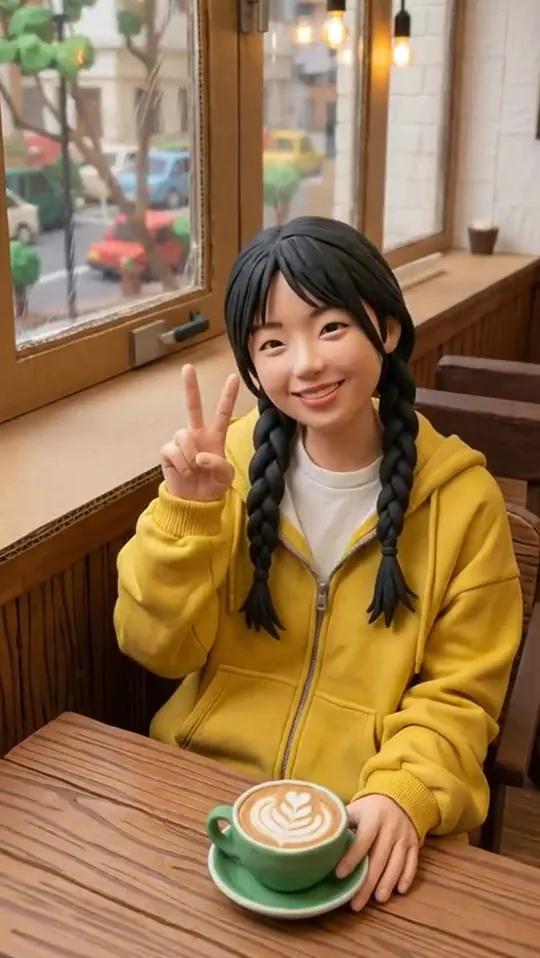 Before3D Toon
How to make it
3D Toon
in three taps.
- Open FrameFlick and pick 3D Toon. It is in the looks feed on the Create tab.
- Choose a clip. FrameFlick suggests the best moment to freeze; scrub the timeline and tap Move here to change it.
- Tap Freeze it. About 30 seconds later it is ready to save or post. Not quite right? Try another look on the same moment without uploading again.
Great for